Microsoft Teams has become the operational backbone of modern work. With over 320 million monthly active users and a 2026 feature set that now includes AI Copilot agents, automated workflows triggered by emoji reactions, and a rebuilt app store experience, it’s no longer just a chat platform — it’s where HR, finance, IT, and ops workflows increasingly live.
The right Microsoft Teams apps turn that communication hub into a complete workflow environment. HR teams can track attendance, manage leave, and run standups without switching tabs. IT teams can handle support tickets from the same interface they use for everything else. Finance teams can approve workflows without leaving chat.
This guide covers the eight best Microsoft Teams apps for HR and operations teams in 2026 — verified as active and maintained, updated from our previous version to reflect the current Teams ecosystem.
What are the best Microsoft Teams apps for HR and ops teams? The best Microsoft Teams apps for HR and operations in 2026 include AttendanceBot for attendance tracking, time tracking, and leave management; OfficeAmp for internal help desk and workplace requests; ScrumGenius for async standups; Zoho Recruit for applicant tracking; Polly for employee surveys and polls; Culture Amp for employee engagement; and Microsoft’s own Planner and Forms for task and workflow management. AttendanceBot is the only app on this list that handles attendance, time tracking, PTO, and shift scheduling natively inside Teams.
Quick Comparison
| App | Category | Best For | Free Plan |
|---|---|---|---|
| AttendanceBot | Attendance + HR | Time tracking, PTO, shift scheduling in Teams | ✅ Yes |
| OfficeAmp | Internal Help Desk | Employee requests + workplace ops in Teams | ✅ Yes |
| ScrumGenius | Standups | Async check-ins and standup automation | ✅ Trial |
| Zoho Recruit | Recruiting | ATS with Teams interview scheduling | ✅ Free plan |
| Polly | Surveys + Polls | Employee engagement and feedback in Teams | ✅ Yes |
| Culture Amp | Engagement | Performance reviews + engagement surveys | ❌ Paid only |
| Microsoft Planner | Task Management | Project and task tracking native to Teams | ✅ With M365 |
| Employee Onboarding | Onboarding | Automated onboarding sequences in Teams | ✅ Via Polly |
The 8 Best Microsoft Teams Apps for HR and Ops in 2026
1. AttendanceBot — Attendance, Time Tracking, and Leave Management
Category: HR and Workforce Management
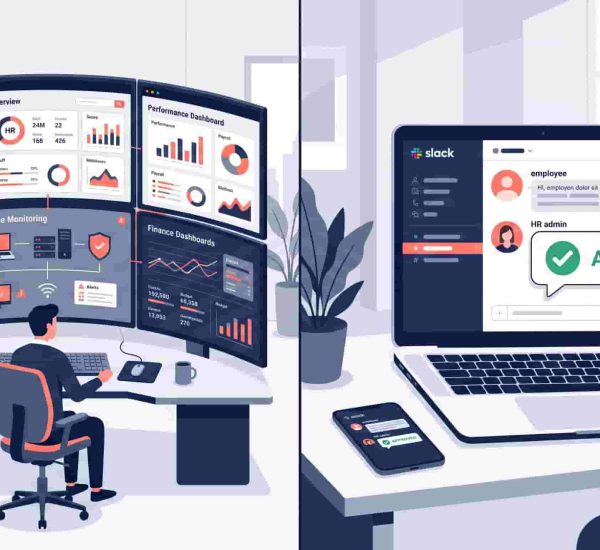
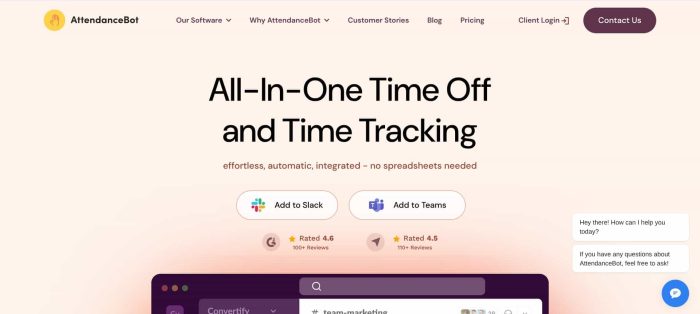
Gone are the days of manual attendance tracking in spreadsheets. AttendanceBot integrates natively into your Microsoft Teams workspace — employees punch in and out directly inside Teams, managers approve leave requests in the same interface, and HR gets a real-time dashboard of hours, balances, and team availability without logging into a separate system.
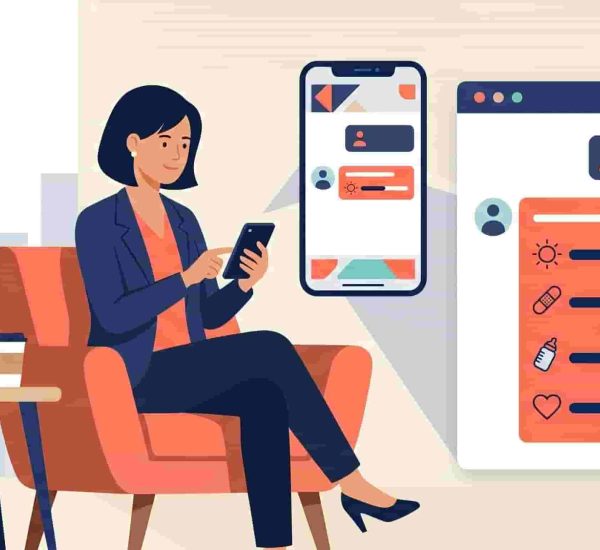
The scope goes well beyond basic attendance. AttendanceBot handles PTO accrual tracking and leave management with customizable leave types, carryover rules, and tenure-based accrual schedules. Shift scheduling lets managers build and distribute schedules inside Teams. Time tracking produces payroll-ready timesheet exports that integrate with Gusto, ADP, BambooHR, and Rippling.
For HR teams managing hybrid and remote employees, AttendanceBot surfaces real-time visibility into who’s working, who’s remote, and who’s on leave — all inside Teams, without a separate dashboard. Our Microsoft Teams time tracking guide covers how the full workflow operates in practice.
A reviewer from an Information and Technology Services company described it this way: “Simple set-up, does what is expected from it, fairly priced. I wanted a solution integrated into Microsoft Teams to manage people’s days off. This was evaluated in less than a day, and the setup was very quick.”
Free plan: Available. Pricing: From $3/user/month. Install AttendanceBot in Microsoft Teams.

2. OfficeAmp — Internal Help Desk and Workplace Operations
Category: IT and Ops
Every office generates a stream of small but important requests — the wifi password, a reimbursement question, a broken monitor, a package at the mailroom. Without a system, these come in through DMs, emails, and verbal conversations that nobody tracks and everyone forgets.
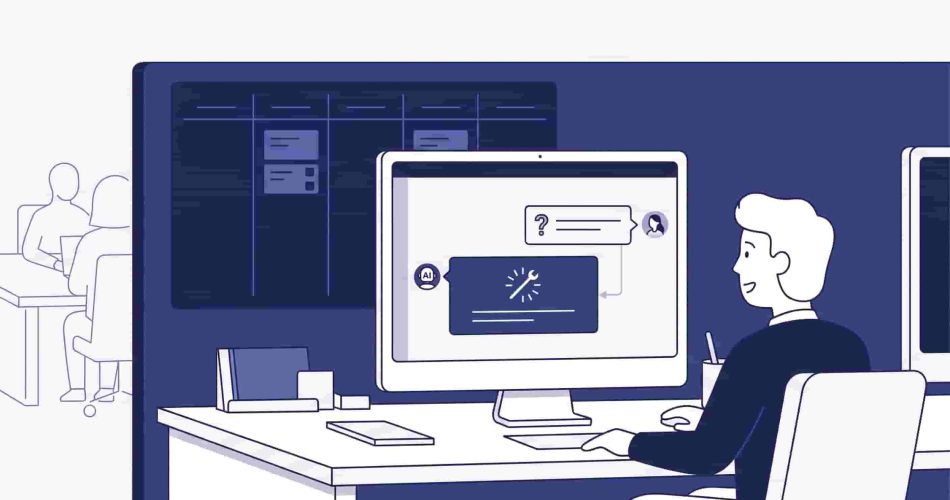
OfficeAmp brings internal help desk management into Microsoft Teams. Employees submit requests directly inside Teams, requests are automatically routed to the right team member, and managers track status and resolution from a centralized dashboard without leaving their workspace. The Smart QnA feature answers common questions automatically — so employees get instant responses to FAQs without creating a ticket at all.
Beyond helpdesk, OfficeAmp handles issue management with a Kanban-style board for office managers, mailroom coordination, and visitor management. For companies building out their Microsoft Teams ecosystem as an operational layer, OfficeAmp fills the internal support and workplace ops gap cleanly.
Free plan: Available.

3. ScrumGenius — Async Standups and Check-Ins
Category: Productivity and Team Management
Meetings that could be async standups are one of the most consistent drains on team productivity. ScrumGenius automates daily standups, weekly retrospectives, and one-on-one check-ins inside Microsoft Teams — collecting responses from team members, broadcasting updates to the relevant channel, and generating reports that give managers visibility into progress and blockers without scheduling a single meeting.
The app integrates with GitHub, Jira, and Azure DevOps to pull in task activity alongside standup responses, which is particularly useful for engineering and product teams. According to Capterra reviewers, ScrumGenius reduces meeting time by 15–30 minutes per employee per day.
For distributed and remote teams where time zone overlap makes synchronous standups impractical, ScrumGenius handles the coordination layer automatically.
Free trial: Available. Pricing: ~$2.50/user/month.
4. Zoho Recruit — Applicant Tracking With Teams Integration
Category: Recruiting and HR
Recruiting is one of the most process-heavy HR functions — and one of the most improved by having all candidate data, communications, and interview scheduling in one place. Zoho Recruit’s Microsoft Teams integration allows teams to schedule and conduct interviews directly inside Teams from within the recruiting platform, with email messages, files, and candidate notes stored centrally.
The platform covers the full pipeline from job posting to offer, with an ATS, candidate relationship management, and automated workflows for moving candidates through stages. For HR teams already using Microsoft Teams as their communication hub, having interview scheduling and notifications flow through Teams reduces context switching during active hiring periods.
Free plan: Available.
5. Polly — Surveys, Polls, and Employee Onboarding
Category: Employee Engagement + Onboarding
Polly runs natively inside Microsoft Teams — employees can respond to polls, surveys, and check-ins without leaving chat. For HR teams that regularly collect employee feedback, run pulse surveys, or gather input on team decisions, Polly reduces the friction between “we should ask the team” and actually getting responses.
The anonymity option is particularly useful for sensitive feedback — employees are more candid when they know their individual responses aren’t visible to managers. Polly also powers a dedicated Employee Onboarding workflow inside Teams, automating task sequences, welcome messages, and check-ins for new hires without requiring HR to manually manage each step.
Free plan: Available.
6. Culture Amp — Employee Engagement and Performance
Category: Engagement and Performance Management
Culture Amp has an active Microsoft Teams integration that surfaces engagement survey notifications, performance review prompts, and recognition moments inside Teams. For HR teams running regular engagement surveys, 360-degree feedback cycles, or performance reviews, having those prompts delivered where employees already work improves response rates significantly.
Culture Amp’s strength is the depth of its people analytics — connecting engagement scores with performance data, identifying attrition risk early, and giving HR leaders visibility into culture trends across departments. It’s positioned for mid-market and enterprise teams with dedicated HR functions rather than small businesses looking for a lightweight option.
Free plan: Paid only. Pricing: Custom quote.
7. Microsoft Planner — Task and Project Management Native to Teams
Category: Task Management
Microsoft Planner is built directly into Teams as part of the Microsoft 365 ecosystem — no installation required for organizations already on Microsoft 365. It provides Kanban-style task boards, checklists, due date tracking, and workload views that surface inside Teams channels without any third-party app.
For HR and ops teams managing recurring project work — onboarding checklists, compliance task tracking, policy rollout timelines — Planner provides a structured task layer that integrates naturally with the rest of the Microsoft 365 stack including SharePoint, Outlook, and Teams channels. Its 2026 update connects Planner directly to Teams meetings, so meeting tasks can be tracked in existing project plans rather than creating separate to-do lists.
Free plan: Included with Microsoft 365. Pricing: Part of Microsoft 365 subscription.
8. Employee Onboarding (via Polly) — Automated New Hire Sequences
Category: Onboarding
The first two weeks of a new hire’s experience set the tone for their tenure. But HR teams managing multiple active hires simultaneously can’t provide individualized attention at every step — which is where automated onboarding sequences inside Teams fill the gap.
Polly’s Employee Onboarding workflow lets HR teams schedule tasks, send timed check-ins, and deliver reading materials to new hires directly inside Teams. New hires track their own progress, managers receive completion notifications, and the IT and facilities requests for hardware and access can be routed through OfficeAmp in the same environment. The combination of Polly for onboarding content and AttendanceBot for leave and scheduling setup gives new hires a complete Teams-native first week without navigating external portals.
Pricing: Included in Polly’s paid plans.
How to Install Apps in Microsoft Teams
Adding apps to your Teams workspace takes under two minutes. From the Teams sidebar, click the Apps icon at the bottom left. Search for the app you want to install. Click Add to install it for yourself, or Add to a team to make it available across a channel. For org-wide rollouts, IT admins can manage app permissions and deployment through the Teams Admin Center.
In 2026, Microsoft has updated the Teams app store with a streamlined list view that makes finding and launching apps significantly faster than the previous tile grid — worth noting if you haven’t explored the app store recently.
For teams building an HR and ops workflow stack inside Teams, the natural installation order is: AttendanceBot first (attendance, time tracking, PTO), OfficeAmp second (internal requests and help desk), then ScrumGenius or Polly depending on whether standups or feedback collection is the priority.
Frequently Asked Questions
What Apps Can You Add to Microsoft Teams?
Microsoft Teams supports thousands of apps available through the Teams App Store, organized by category. Apps range from productivity tools like Planner and Forms (built into Microsoft 365) to third-party HR apps like AttendanceBot, project management tools, CRM integrations, and communication add-ons. Microsoft Teams commands give you a faster way to interact with many of these apps once installed.
Are Microsoft Teams Apps Free?
Many Microsoft Teams apps offer free plans or free trials. AttendanceBot, OfficeAmp, Polly, and Zoho Recruit all have free tiers. Microsoft’s native apps — Planner, Forms, and Lists — are included with Microsoft 365 subscriptions at no additional cost. Third-party apps like ScrumGenius and Culture Amp have paid plans for full functionality. Verify current pricing on each app’s official site before committing, as pricing changes frequently in this category.
Can Microsoft Teams Track Attendance and Time?
Microsoft Teams itself has no built-in attendance tracking or time tracking. It doesn’t record when employees start or stop work, calculate hours, or manage leave balances. AttendanceBot fills this gap natively inside Teams — employees clock in and out via Teams messages, timesheets compile automatically, and managers see real-time team availability without leaving the workspace. It’s the purpose-built Teams app for workforce management in the same environment your team already uses for everything else.
How Do I Install Apps in Microsoft Teams?
Click the Apps icon in the left sidebar of Microsoft Teams. Search for the app by name or browse by category. Click Add to install for personal use or Add to a team to deploy across a channel. Admins can manage org-wide app permissions from the Teams Admin Center, including setting default apps, restricting certain categories, and approving third-party apps for their organization. For a full walkthrough of Teams features and shortcuts, see our Microsoft Teams tips guide.
What Is the Best Microsoft Teams App for HR Teams?
For HR teams, AttendanceBot is the most complete Teams-native option — covering time tracking, PTO management, shift scheduling, and attendance all within a single Teams integration. Pair it with Polly for surveys and ScrumGenius for standups to cover the core HR and team coordination workflow without leaving Teams.
Which of these Microsoft Teams apps do you find the most intriguing? Let’s chat on Twitter!